




I transferred my Wii to a Wii U in 2026 and lived to tell the tale
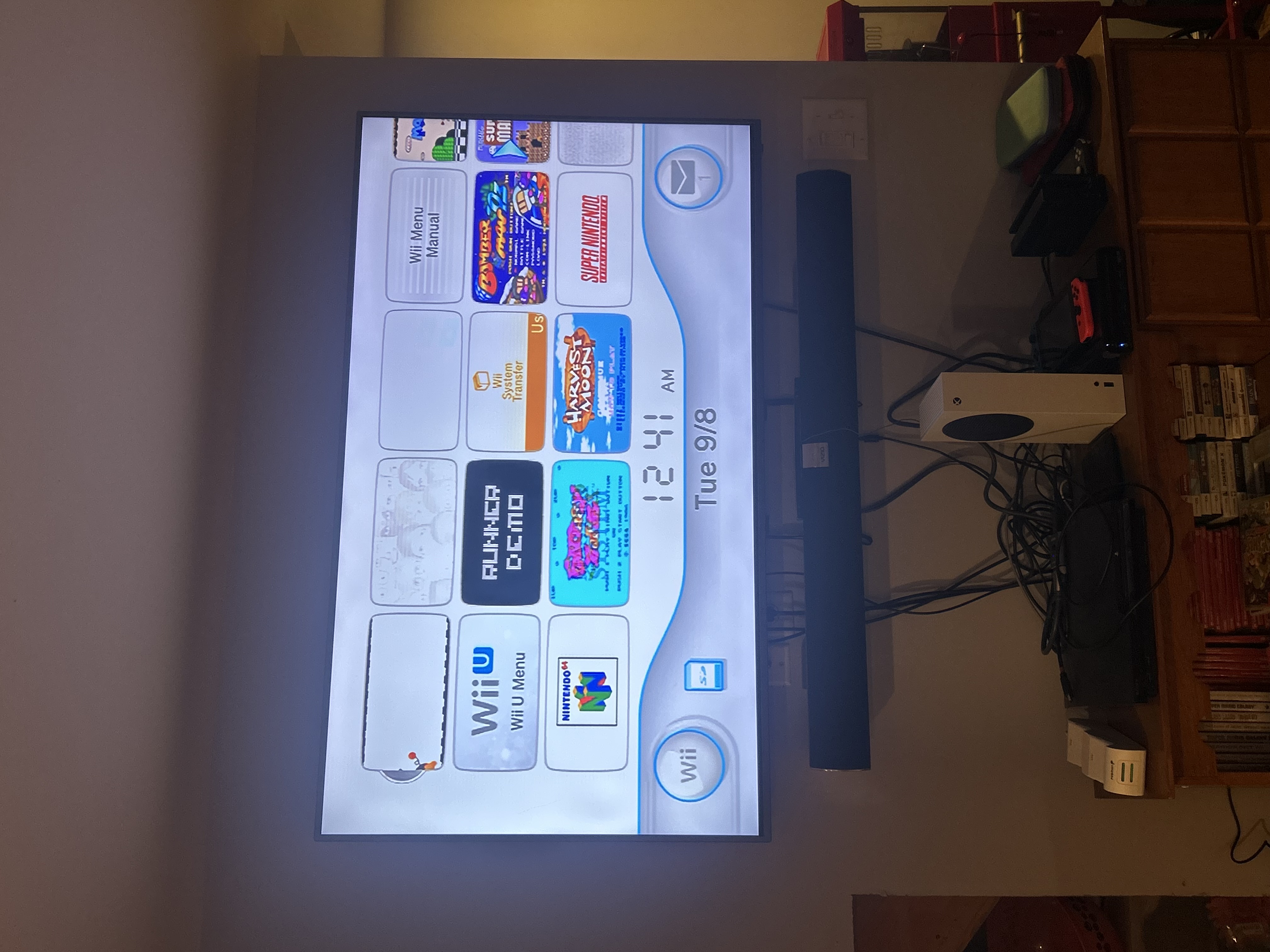
It was the best of times, it was the Wiirst of times
Back in 2007, I desperately tried to convince the guys at work that the Wii was more than a toy. “Motion control is still in its infancy!” I argued, warning them that the PS3 was an overpriced tub, and that the 360 had nothing unique to offer. Of course, I was completely wrong and came to love all three machines, but I was a Wii fanboy first.
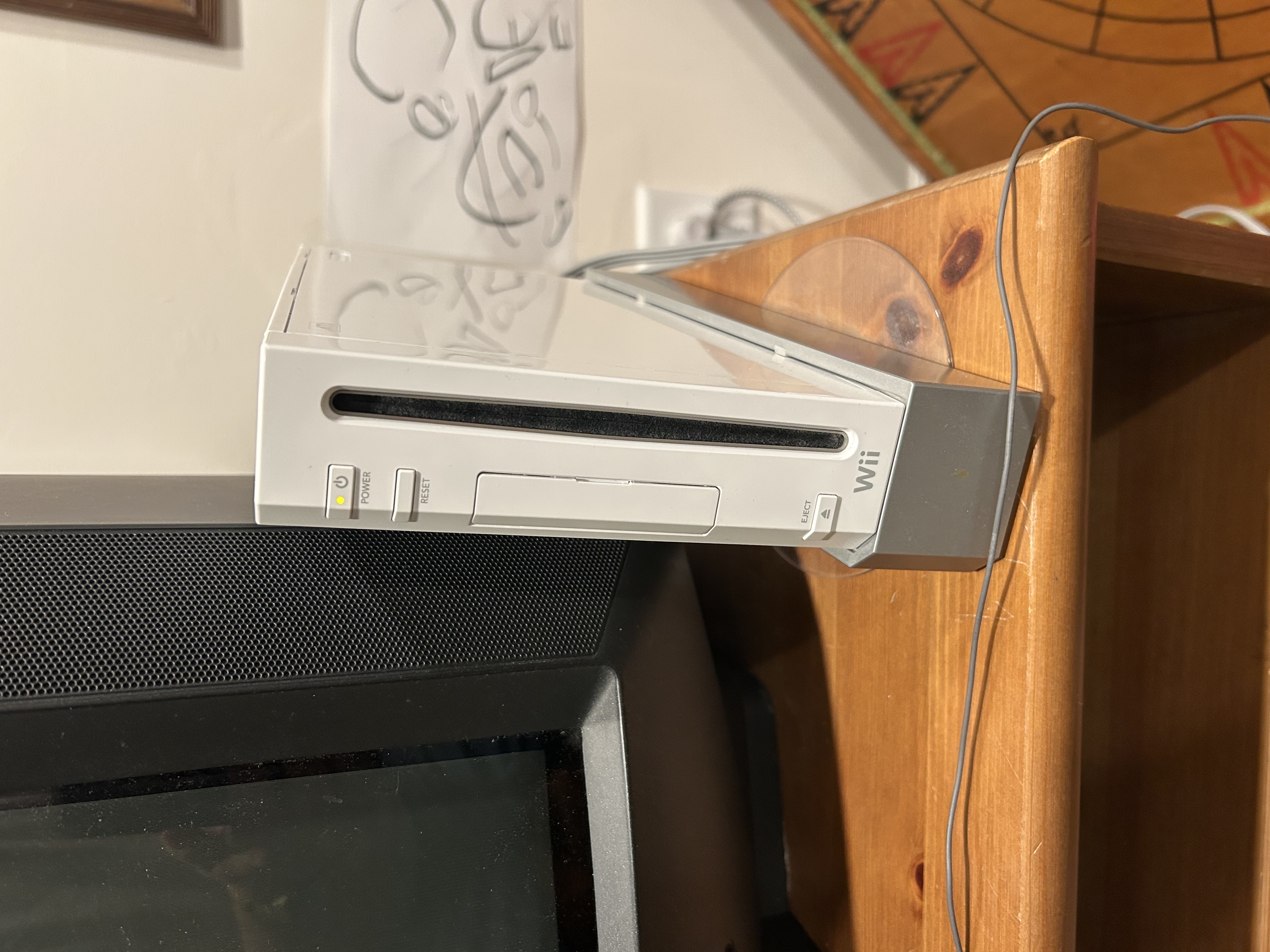
There was a lot of demand for the Wii when it first launched, so when my family finally tracked one down through a daily ritual of calling toy shops and drug stores around the city, I was in heaven.
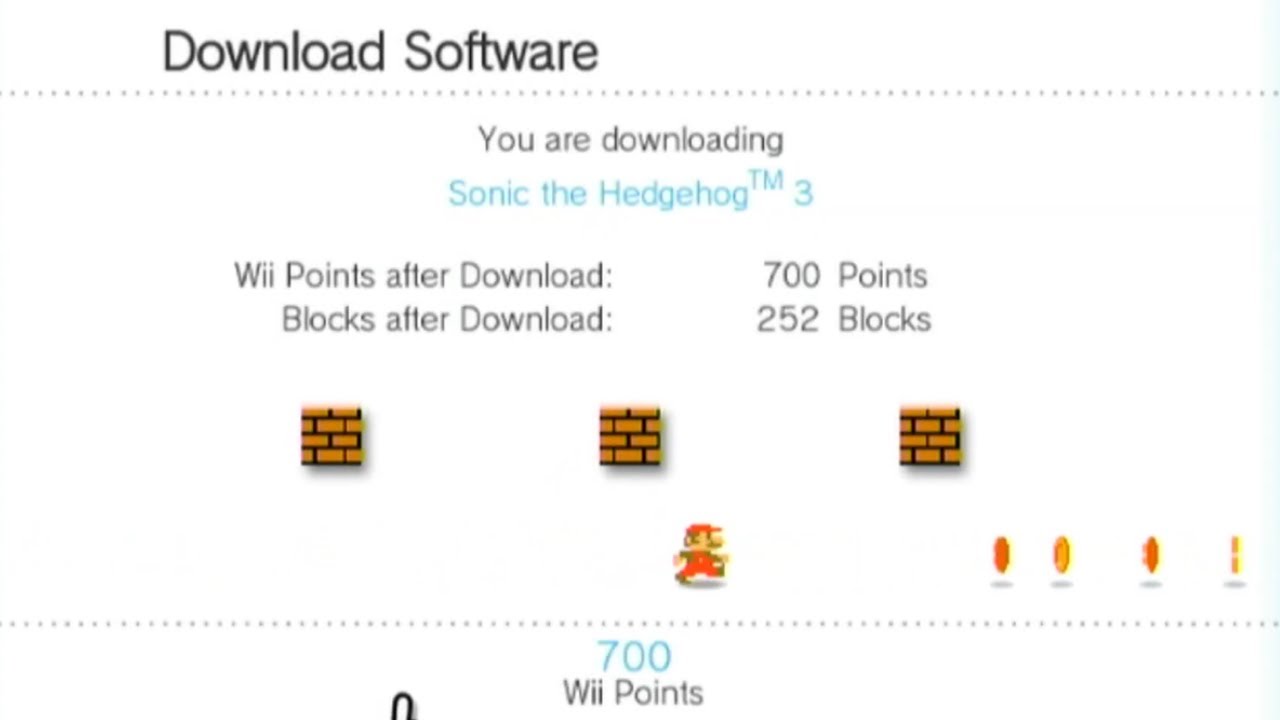
Each week, I waited eagerly for the Wii Shop to update, a Wii Points Card in hand, ready to scratch off and spend immediately. It was a blur of new experiences, downloading WiiWare titles like LostWinds and discovering classics like Super Metroid for the first time. In a few short years, I’d experience World of Goo, Defend your Castle, Toki Tori, the Strong Bad Telltale Games (all five episodes, of course), the Donkey Kong Country series, and a smattering of NES and N64 titles that I’d never had a chance to check out.
But even in the rose-tinted light of those first, glorious years, I had a strong feeling that the Wii’s online functionality left a lot to be desired.
The Wii Shop Channel took ages to load, often throwing inexplicable errors. Entering a credit card number or the code from a Wii Points Card with the shaky Wii pointer was tedious. Downloading an N64 game or a WiiWare title was painfully slow.
20 years later, I had an inkling to return to the old Wii and revisit that era. Maybe there were some classic Wii games that I missed back in the day. If anything, at least I could show my kids how janky motion controls used to be.
So I plugged my loyal Wii into my TV, full of hope and nostalgia, unaware that I was about to enter a world of pain.
Seeing through the glass, dimly
Well, the TV was on, and the Wii was on. But where was the picture?
It took a minute to appear, but when it did, the output was super dim, and nearly black and white.
I sighed and sat down to think, my mind churning with memories of my other consoles that had degraded over the years. My Dreamcast shutting off after just moments of play, my PS2’s loose connectors and decaying controllers, the red ring of death on my beloved 360, my Game Gear with dead audio and the horrifyingly swollen battery on my PSP. What a bummer.
I stared in yearning at the icon for Bomberman ‘93 on the Wii dashboard, and the little problem-solver in my brain began to putter about, searching for solutions. I had to make this work.
Wait a sec! I’d bought a second Wii at a garage sale pretty recently. That pesky hoarding tendency was finally going to come in handy!
My plan was to move all my Wii games onto the SD card that was already plugged into my Wii. Then I’d move those games over to my other Wii and play them on there! What a hunky-dory little solution! Easy as pie.
A quick disclaimer before we proceed: If it’s not clear already, I didn’t know what I was doing. I’m sure that there are great ways to mod your Wii and make this process easier. I’m not part of the Wii modding scene, and these tips and thoughts are coming from a casual Wii user who didn’t want to open up the console or adjust the software in any way.
Digital files? Lock ’em down! We can’t have people copying those!
After a quick search, I learned that digital Wii games are tied to the ID of the Wii that they’re purchased on. Even if there is still only one copy of the file, if you move your download to a different Wii, it won’t play. Classic Nintendo.
Well, if moving the game to another Wii was out of the question, perhaps I could transfer my Wii’s brain to my other Wii, Frankenstein style! Take all its unique console data, save files, and game files, and move them over together, so the hardware lock would no longer be a problem. Companies do that, right? I even had a vague memory that maybe Nintendo had a service like that for the Wii.
But it turns out, you can’t transfer your Wii ID or game ownership between Wii consoles either.
I was baffled to discover this. If games are tied to a console, it seems like a clear choice to allow users to transfer or swap a Wii identity between consoles, so folks with a broken Wii (raises hand) would be able to purchase a nice, new Wii from Nintendo and keep all the great stuff they bought.
How naive I was, just a fool in love with a Wii.
So I put my backup Wii back into storage, and searched around for a different lead, a new direction that I could take that could salvage my situation.
The Wii U steps up to bat
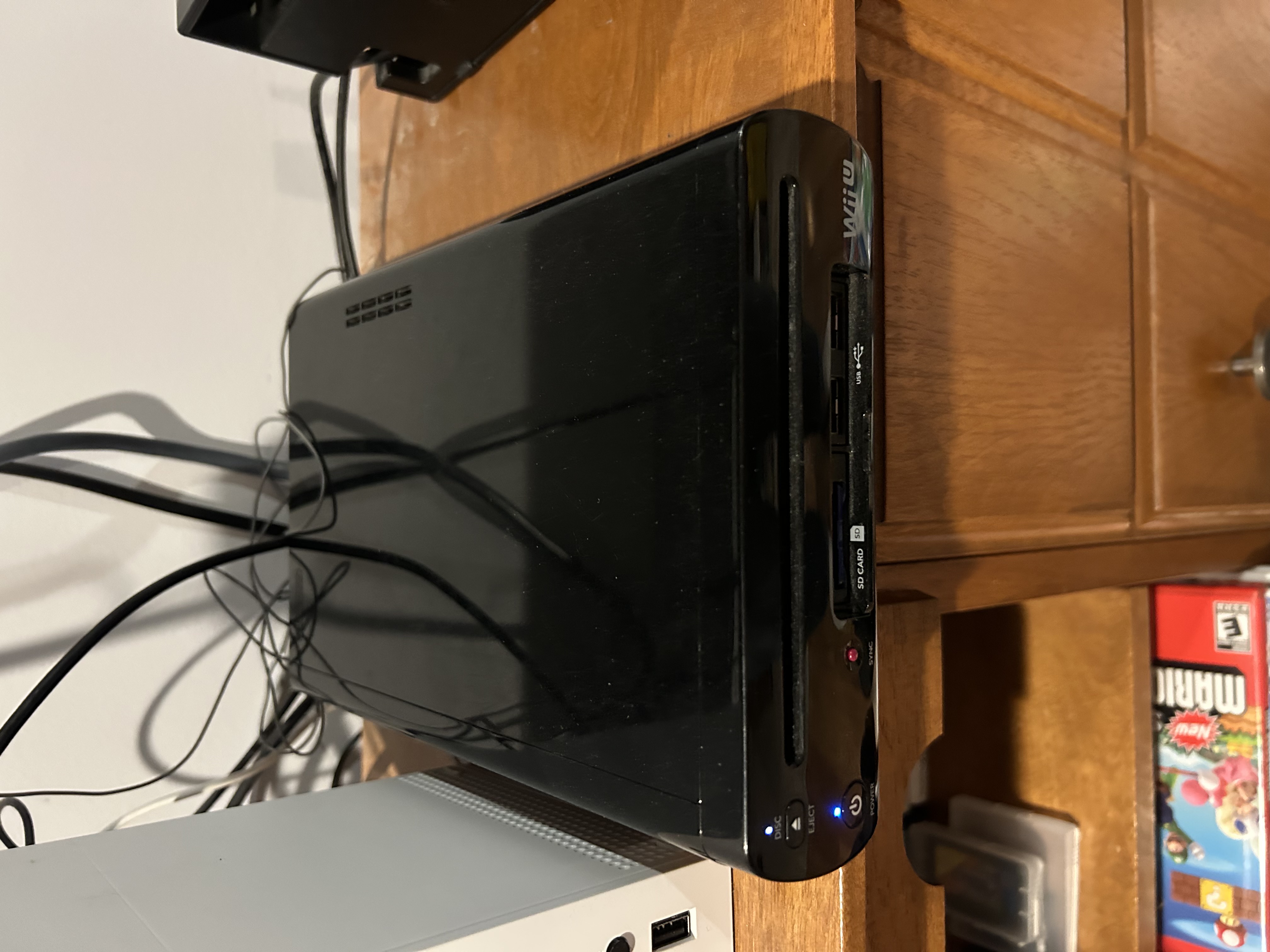
Ah, the Wii U.
The middle child, a necessary step between the whimsy of the Wii and the sleekness of the Switch. The promise of Nintendo in HD with a big ol’ tablet controller. Man, I love this thing.
And as luck would have it, you can transfer your Wii’s data and games to a Wii U!
I looked into the process, and it didn’t look too tricky. All I needed was:
- A Wii
- A Wii U
- An SD card with at least 512MB of free space
It’s 2026, guys. Of course I’ve got all these things! Who doesn’t have a Wii U sitting around, didn’t Nintendo sell like 10,000 of those? Let’s do this thing!
So I turned my TV back on, ready to set up wifi on my old Wii.
Oh, that’s not good.
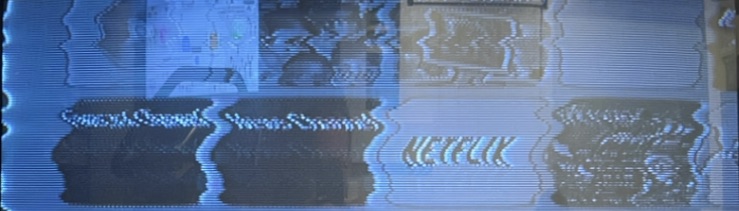
The screen was rolling.
I gasped. My dog Fable glanced up, wondering if he needed to protect me from Nintendo, or from myself.
It wasn’t doing this before, I was sure of it. I’d used this Wii on a few different TVs before, including the CRT it was currently outputting to, and I’d never experienced anything this bad.
Maybe the console was outputting the wrong signal rate or something? I don’t know anything about PAL but my mind went there for a second. But it had been working just minutes before. Maybe it was the TV? No, I’d tested my backup Wii on there just minutes before, and things looked great.
Maybe it was me and my rotten luck and stupid, stupid brain? Maybe going back to play Wii games was a fools’ errand for foolish fools. Maybe I should just let it go, trade in my entire video game collection at a pawn shop and move on with my life.
Never!
I was to figure this out, I needed to somehow unscramble the signals from this garbled Wii so I could hook it up to wifi and install the Wii U transfer channel on it.
I needed to do it soon. Otherwise, the next time I turned it on, there might not be any video output at all.
All we have to do is … freeze the fabric of time!
You know how when you view a plane propeller through your phone camera, and it makes it look like the propellers are stationary? I wanted to do a similar thing with my TV.
See, I had a vague memory of a handheld tool with flashing lights on the end … one which you could set a strobing frequency on, to make fast-moving objects look like they’re not moving. After some searching, I found that this is a pretty common tool called a stroboscope.
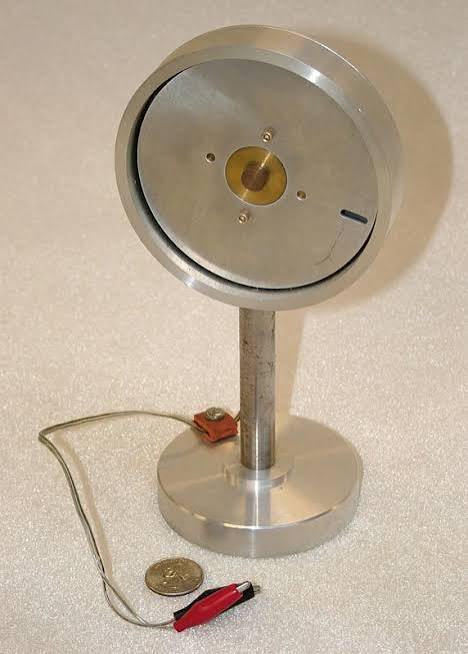
The stroboscope became my next mission. If I could find one of these tools for my phone, I could open the tool in my phone browser and sync my phone’s display to the frequency the TV was rolling at, then view the TV through my phone screen.
So using an online tool, I was able to do exactly that. I synced my TV screen’s rolling frequency (around 2.55hz) and viewed it through my phone. It was a touch hard on the eyes, but I eventually got the hang of viewing the TV through my phone while wielding the jittery Wiimote.
Now that I could (sort of) see what the Wii was outputting, I set out to get the Wii online, so I could download the Wii U Transfer Tool.
With my eyes glued to the tiny screen, stopping here and there to tweak the tool’s frequency and offset frames, I managed to navigate to the Wii Settings menu, open the Internet Settings menu, unlock parental controls which were still active from when I was a kid (and I still remembered the password to unlock them, take that Mom and Dad!). I located my wifi network, selected it, and managed to (very slowly and carefully) enter my password.
Your internet is probably too new for your Wii and your Wii U’s virtual Wii. But your phone might cut it some slack, just for old times’ sake.
What’s that, you say? My console has failed to authenticate? Good old Error Code 51330.
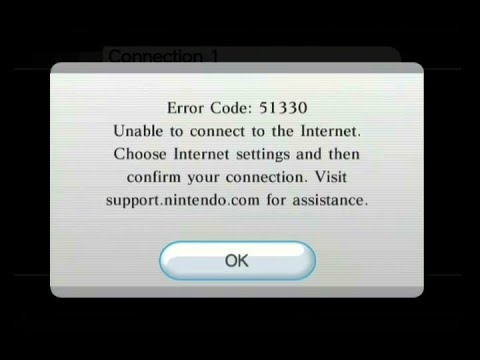
Some older wifi-compatible devices only work with 2.4ghz routers, and most modern routers (mine included) are 5ghz. This happened last month with my DS, too.
Well, this shouldn’t be a problem, right? I’m a smart fella, and Rogers (my internet provider) has a handy app that will allow me to adjust my router settings and split my signal into three bands: 2.4ghz, 5ghz, and 6ghz. Seems like a done deal, right?
So I downloaded the Rogers app and split my wifi bands, discovering shortly thereafter that the Wii still wouldn’t connect. After some Googling, it appeared that this had something to do with the Wii needing “legacy rate 802.11b to be enabled on the 2.4ghz band”.
This is where I drew the line. I am not an IT Professional (nor would I have the patience to be), and this was getting ridiculous.
I needed a different solution.
A thread online suggested that by setting up your phone as a wifi hotspot, then connecting your Wii to that instead of your actual wifi, you could bypass old devices’ issues with new routers and all that legacy rate nonsense. So I made my iPhone 14 a hotspot, navigated through the Wii’s Internet Settings menu, selected the hotspot I’d created, and voila! I was online!
From here, I navigated back to the Wii menu, then to the Wii Shop Channel, then downloaded the Wii U Transfer app.
With that piece of the puzzle in place, it was now time to download the Wii Transfer App onto my Wii U. Mind you, this doesn’t happen in the regular Wii U shop, but instead in Wii Shop Channel in the Wii U’s ‘Wii Menu’ section. This section is a virtual Wii that lives inside your Wii U. Picture a matryoshka doll made of Wiis, if that helps you visualize.
So I set up my Wii U on a different TV, navigated to the Wii Menu, and (to my surprise) found that a Wii System Transfer app was already loaded on there. I couldn’t believe my luck!
But when I opened the Wii System Transfer app, I realized that it was just an instructional app, explaining how to use the actual app, which you have to connect to wifi to use. Weird flex from Nintendo to have two nearly-identical apps, but at this point I wasn’t surprised.
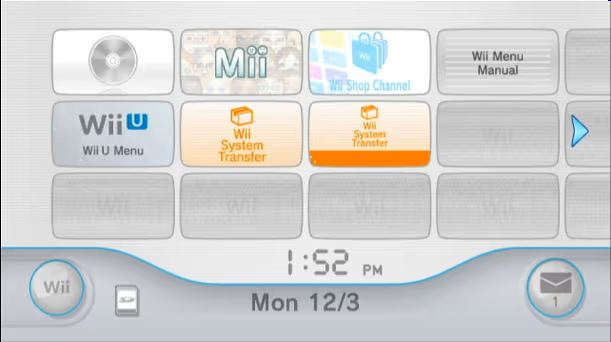
So inside this pointer app, I selected the ‘Download’ option, and … surprise! Even though your Wii U probably works with your modern wifi, the Wii U’s Virtual Wii has the same wifi limitations as your old Wii!
Thankfully we just solved this on the Wii, so I restarted the Wii U, navigated to the Wii U settings, connected to my iPhone hotspot, navigated back to the legacy Wii menu, opened the Wii U download marker app, and clicked Download. The actual app downloaded like a charm.
It’s just that easy!
From here, the app prompted me to pop my SD card (with at least 512MB free) into the Wii U, so it could prepare the SD card for the transfer. Once that processed, I was prompted to return to the Wii and open up the Wii U Transfer App on that device. So I got out my phone (which was running dangerously low on battery by this time), viewed the TV through the stroboscope again, and I opened the Wii U Transfer App. The app had a few short prompts, then asked me to swap the SD card from my Wii U back over to the Wii. I plugged it in, and the process began.
Letting the Pikmin do the work
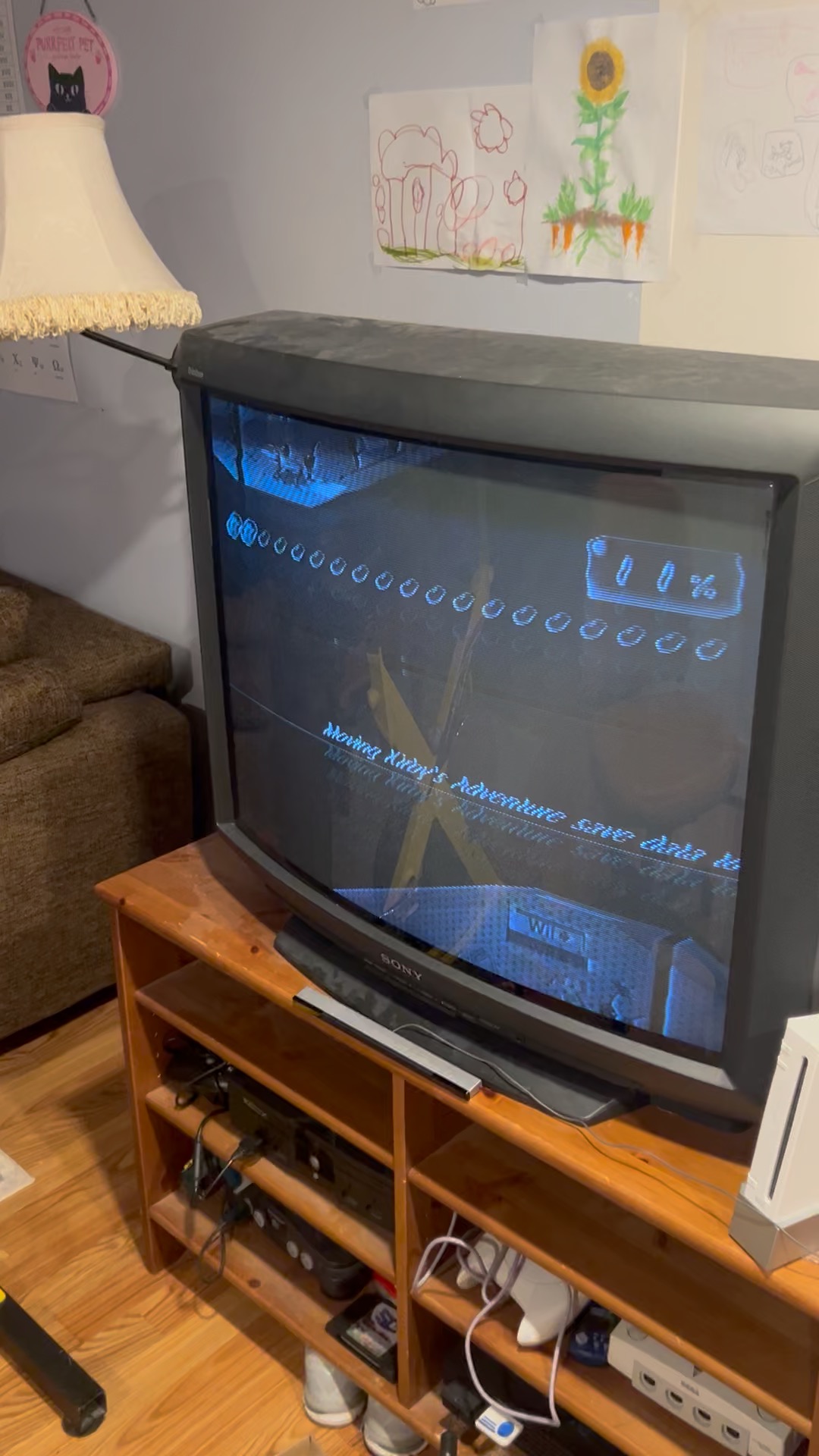
Even though I was viewing my screen through a phone at 2.5 frames per second, I could tell that something was starting to happen. Sweet music and the sound of chirping began to play through the aging CRT speakers, as Pikmin carried my files to a spaceship for transit.
After all the hardware issues, incomprehensible software decisions, sharing protection and overall general shenanigans, this moment was oddly cathartic for me. A beautiful moment of calm after two evenings of pulling teeth.
Finally, I could relax. The Pikmin would take care of the rest.
I sat back in my chair and let the sensation wash over me. Moving those old downloads felt oddly spiritual, a transition of sorts from the Wii with all its optimism and growing pains, to the Wii U, a less celebrated console, but one with a few more years of technology under its belt. Less gold stars, less acclaim, but a little more horsepower, a little more sensibility.
After about twenty minutes, the music changed, the Pikmin cheered, and I was prompted to move the SD card back to the Wii U. I removed the card and held the power button for a moment or two, savoring the moment as I turned off the old Wii for the last time.
I plugged the SD Card into my Wii U, opened the Wii U transfer app in the Wii Menu, and followed the prompts.
It took quite a while for the save files and games from my Wii’s hard drive to land on the Wii U (about half an hour), but they landed. To test that things were working, I opened up The Legend of Zelda for NES, and the game kicked off from my last play session, probably from over 15 years ago. Still there, still mine, still playable.
The Wii’s internal storage is pretty small. Only a few WiiWare titles could be stored on it at a time, so even back in those early days, I had to buy an SD Card which could live in the Wii and act as secondary storage. Games could be played directly from the SD Card, but they do take longer to load.
The files on my Wii’s SD card didn’t transfer over to the Wii U’s virtual Wii, because the virtual Wii has the same amount of storage as a real Wii. I had a (misguided) hope that the games on my SD Card would be playable right away on the Wii U, since the identity of my original Wii had been transferred over to the Wii U. So once the transfer was complete, I opened up the SD card menu in my Wii U’s virtual Wii Menu and opened a game.
You know those games on your SD card? Delete them all. Then re-download them.
You guessed it! Of course it wouldn’t be that easy.
Games pre-downloaded and compatible with your old Wii but living on the SD card won’t work on your Wii U’s virtual Wii, even though they’re technically tied to the same Wii. They’ll need to be deleted and re-downloaded from the virtual Wii’s Wii Shop Channel.
So I opened the virtual Wii’s game management settings, deleted all the games from the SD card, navigated back to the Virtual Wii’s Wii Shop Channel, opened the ‘Games you’ve downloaded’ menu, and re-downloaded every single game directly back onto the exact same SD card I’d just deleted the same files from.
This took the better part of an hour, because the virtual Wii is basically as slow as the original Wii. But once that was done, and every downloadable game from my Wii had been moved over the Wii U.
Once those were downloaded, I was done. Every downloadable game from my Wii had been moved over to the Wii U.
It was over.
Why on earth would someone transfer their Wii to a Wii U in this day and age?
Consoles are great time capsules.
Our memories of the past are tied to our senses, and boy, do video games do a number on the senses. The NES reminds me of my elementary years, the N64 my middle school days, and as we speak, the Switch is linking neurons that will reawaken memories down the road.
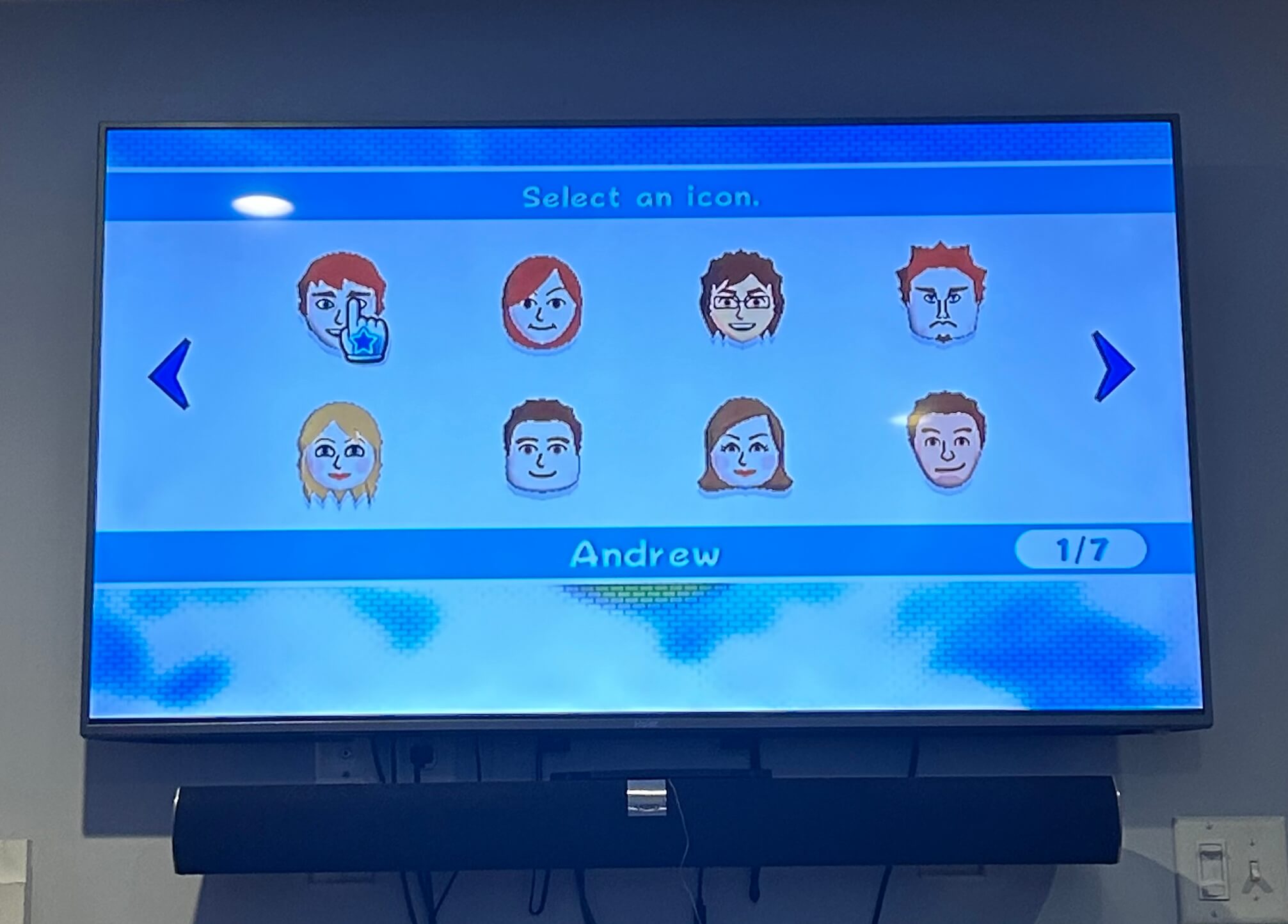
I played this Wii with my siblings in college, played it with my nieces when they were little, and now I get to play it with my own kids, decades later. For me, that alone is enough to justify the hassle.
I’m glad that Nintendo keeps some servers running so folks can re-download their old Wii games even though the Wii Shop Channel is shut down. Using it again, even though it’s slow, I would totally still buy games on the Wii Shop Channel if it was still open.
Some of the things I wish I’d known when I started:
- Consoles don’t last forever, and that includes the Wii. Video output on old Wiis can get very poor over time, and in my case, can become almost impossible to view.
- Wii to Wii transfers aren’t possible, but Wii to Wii U transfers are. You can’t move your downloaded games to another Wii or Wii U using an SD card, and you can’t transfer Wii data/game ownership between Wii consoles. But if you have a Wii and a Wii U, you can transfer your digital purchases and save files to your Wii U, using the Wii U Transfer Tool.
- A wifi hotspot on your phone might be a better bet than a direct router connection. Your wifi might fail to connect to your Wii and the Wii U’s virtual Wii, because of an incompatibility with modern routers. You might have better luck connecting these devices using a wifi hotspot on your phone.
- There actually is hope for your Wii’s data. Nintendo’s Wii U Transfer Tool works pretty well once you’ve got everything online.
So do I recommend migrating your Wii to your Wii U in 2026? Absolutely!
Do it over the course of a few nights, cut yourself a lot of slack, meditate frequently, and put a swear jar next to your TV. Before you know it, you’ll have two consoles in one!
You’ll still be hard-pressed to find someone who actually knows what a Wii U is, though. That’s one thing that’ll never change.